Book Appointment Now

CCTV Camera Installation Tools
If you’re installing CCTV cameras yourself, having the right tools on hand before you start saves you multiple trips back to the hardware shop. Here’s what a proper CCTV installation actually requires – beyond just the cameras and DVR.
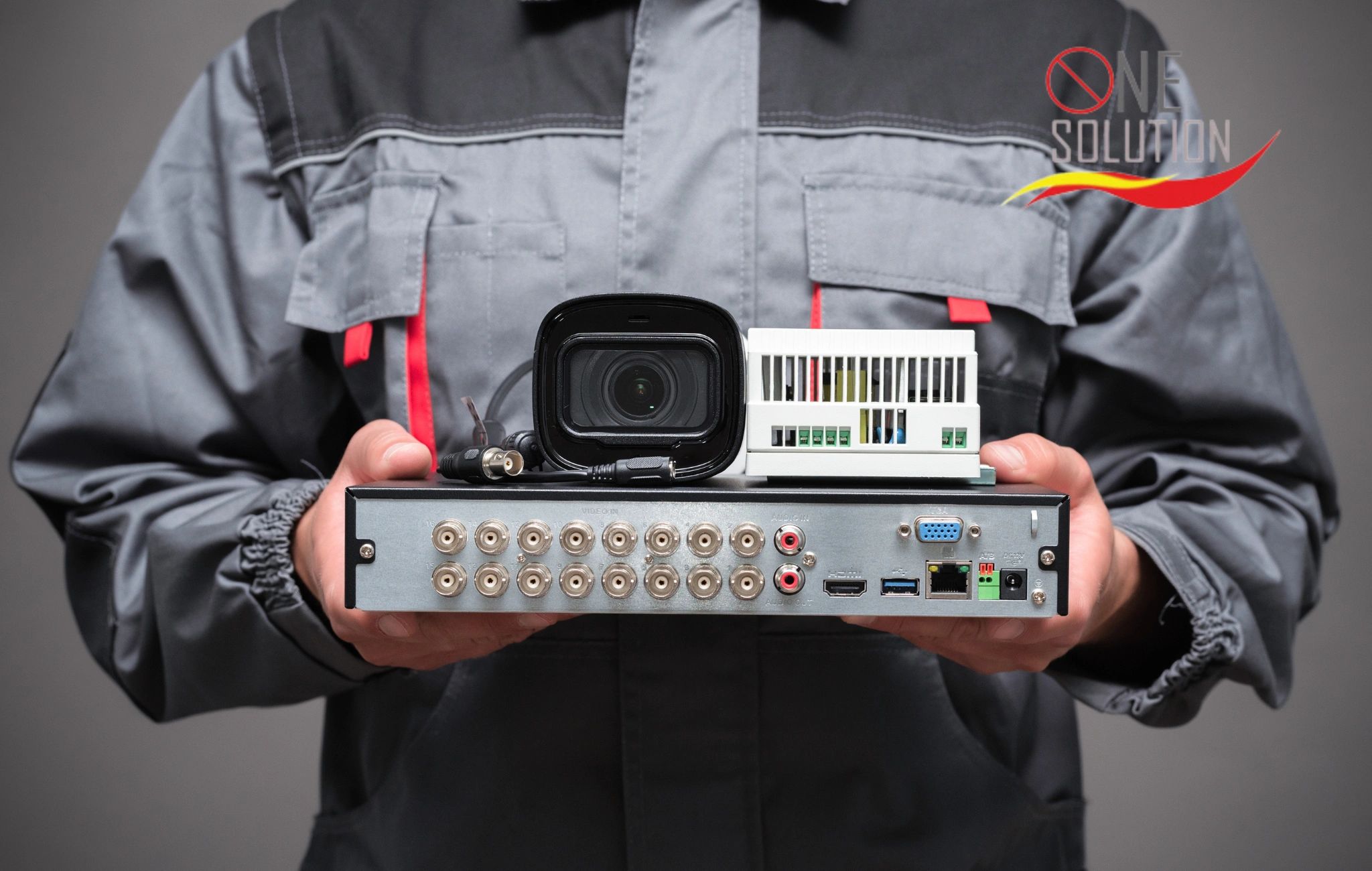
Essential Tools for CCTV Installation
- Drill machine with masonry bits – for mounting cameras and running cable through walls
- Crimping tool – for terminating BNC connectors on coaxial cable, or RJ45 connectors for IP cameras
- Cable tester – to check continuity on cable runs before you seal up walls
- Wire strippers – for prepping cable ends cleanly
- Screwdriver set – Phillips and flathead, for camera brackets and DVR/NVR panels
- Ladder – for reaching mounting points on walls and ceilings safely
- Cable (coaxial or Cat6) – coaxial for analog/HD-CVI cameras, Cat6 Ethernet for IP cameras
- Wall/ceiling mounting brackets – matched to your camera type
- Power supply / SMPS box – to power multiple analog cameras from one point
- Cable clips or conduit – to route and protect cable runs neatly
- Spirit level – to keep camera mounts straight
- Multimeter – to check power supply voltage and troubleshoot faults
Tools That Are Optional But Useful
• Fish tape – for pulling cable through walls or conduits over longer distances
• Cable labels – to mark which cable goes to which camera, useful for multi-camera setups
• Waterproof junction boxes – for outdoor camera connections exposed to weather
Do You Need All of This for a Small Home Install?
For 2 – 4 wireless cameras, you can skip most of the cabling tools – a drill, screwdriver, and ladder cover most of it. Wired systems with 6+ cameras are where the full toolkit (crimping tool, cable tester, proper cabling) actually matters, since a bad crimp or untested run is the most common cause of a “camera not showing up” problem after installation.
When It's Worth Hiring a Professional Instead
If you are installing more than 4-6 cameras, running cable through multiple rooms or floors, or need the system integrated with access control or an existing network, the tool investment and time cost often exceeds what professional installation costs – and a professional install comes with a workmanship warranty a DIY job does not.
Ready to Secure Your Property?
Contact MH CCTV for a site assessment and practical CCTV or security system solution for your home, office, shop, housing society or commercial property.
Frequently Asked Questions - CCTV Installation Tools
What's the minimum toolkit for installing 2 - 4 wireless cameras myself?
For a small wireless setup, a drill, screwdriver, and ladder cover most of it — you can skip most cabling tools since there's no wiring to run.
Do I need a crimping tool for a DIY CCTV install?
Only for wired systems - a crimping tool is needed to terminate BNC connectors (analog/HD-CVI cameras) or RJ45 connectors (IP cameras). Wireless setups don't need one.
What's the most common mistake in DIY CCTV installation?
A bad crimp or an untested cable run — this is the most common cause of a camera not showing up after installation, which is why a cable tester is worth having before you seal up walls.
When should I hire a professional instead of doing it myself?
If you're installing more than 4-6 cameras, running cable through multiple rooms or floors, or need integration with access control or an existing network — the tool investment and time often exceed professional installation cost, and a professional install comes with a workmanship warranty a DIY job doesn't.